
Your applications, communications, security, and day-to-day operations all depend on the infrastructure behind them.
Gibson Teldata helps businesses design, implement, and support the networks, servers, storage, virtualization, and data center solutions that keep technology running reliably today and ready for tomorrow.
Most employees never think about routers, switches, or firewalls when everything is working. They just expect applications to load, calls to connect, files to transfer, and devices to stay online.
That dependable experience starts with the network underneath it all.
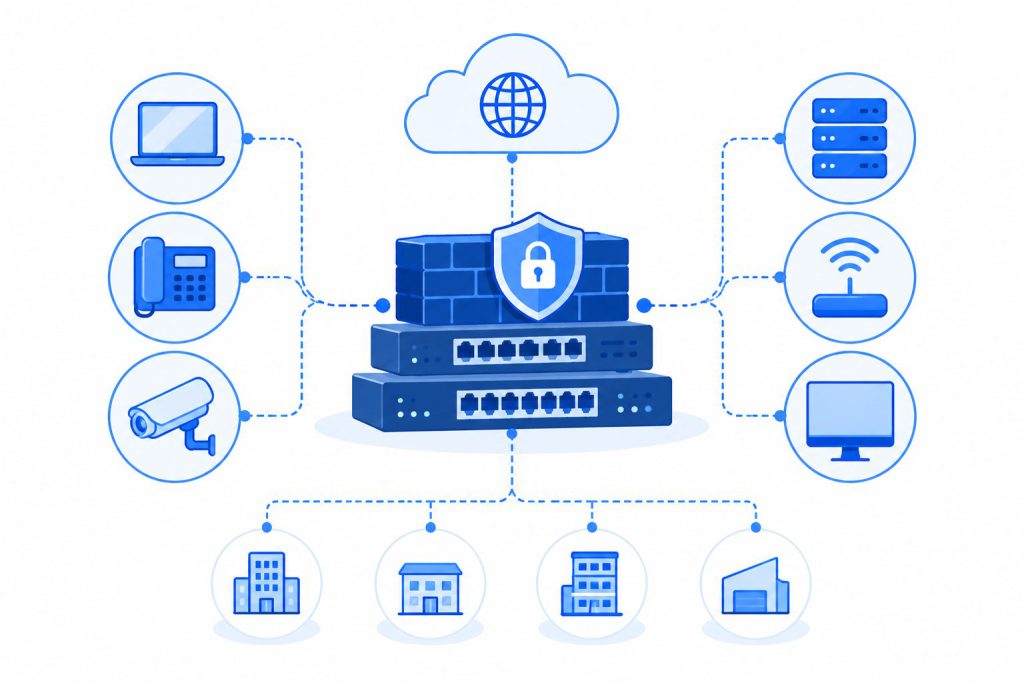
Gibson Teldata helps businesses design and implement network infrastructure that connects users, devices, applications, locations, and Internet services while giving IT teams greater visibility and control.
Your network may need attention if:
Employees regularly experience slow or inconsistent connectivity.
Your current network was built before cloud applications became a major part of daily operations.
Your organization has added more users, devices, applications, or locations.
You need better separation between users, devices, departments, or network traffic.
Existing switches, routers, or firewalls are aging or difficult to support.
Your business is opening, renovating, or expanding a facility.
Gibson can evaluate your existing infrastructure, identify what can stay, and recommend updates where they’ll make the biggest difference.
Explore the core capabilities that help strengthen your network infrastructure, improve performance, and support the way your business operates.
Help control network traffic, enforce security policies, and create a stronger boundary between your business network and outside connections.
Direct traffic efficiently between networks, locations, Internet connections, and other services.
Connect computers, phones, wireless access points, cameras, servers, and other devices across your network.
Separate different types of users, systems, and devices to improve network organization, traffic management, and security.
Build additional resilience into critical network connections and equipment to support business continuity.
Create an infrastructure that accommodates additional users, devices, applications, and locations without requiring a complete redesign every time your business changes.
A well-designed network gives your applications and devices the foundation they need to perform consistently.
Firewalls, segmentation, and thoughtful network architecture help businesses apply greater control to how systems, users, and devices communicate.
Adding employees or technology shouldn’t mean rebuilding your network from scratch. Scalable infrastructure gives you room to expand.
A properly planned network can make it easier to understand where traffic is going, identify issues, and manage connected technology.
A router connects different networks and directs traffic between them. A network switch connects devices within a network. A firewall helps inspect and control traffic based on security rules.
In many business environments, all three work together as part of the overall network infrastructure.
Slow performance, recurring connectivity issues, limited capacity, unsupported equipment, and difficulty adding new devices can all point to an aging network. Gibson can assess your existing equipment and help determine where upgrades make sense.
Not necessarily. Gibson can evaluate your current environment and determine which components can continue to support your needs and which may be limiting performance, security, or future growth.
Yes. Network infrastructure can be designed around organizations with one office, several locations, or more complex distributed environments.
Yes. Network planning should take your current phones, computers, wireless devices, cameras, servers, applications, Internet connections, and other systems into account. Gibson looks at the full environment before making recommendations.
Servers and storage are still doing plenty of heavy lifting behind the scenes, even as more business applications move to the cloud.
The question is whether your current setup is making that work easier or creating more hardware to maintain.
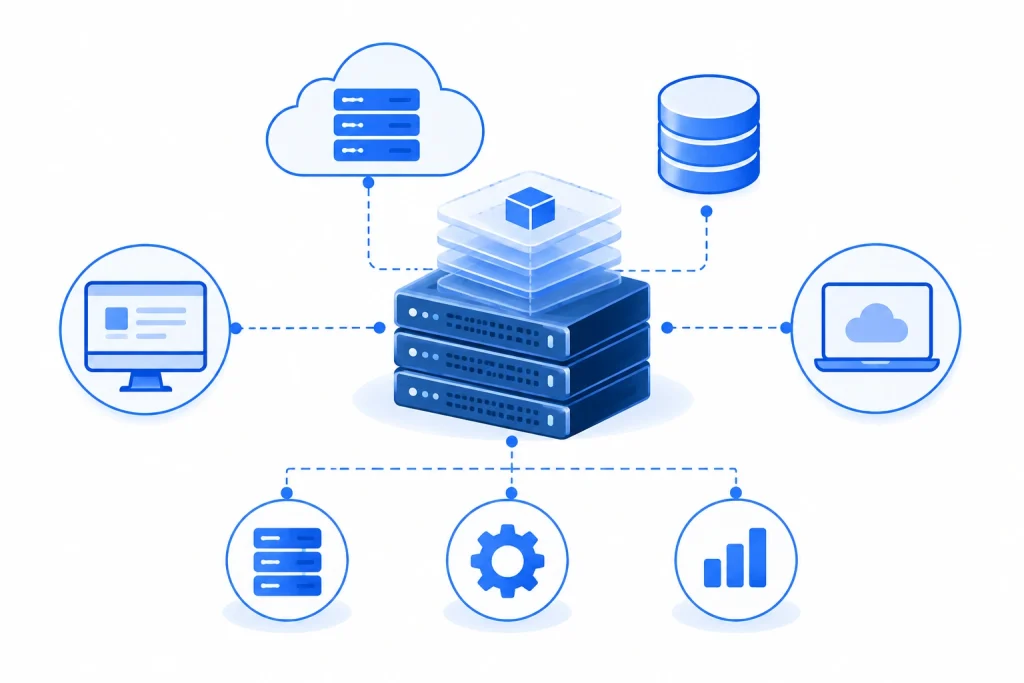
Gibson Teldata helps businesses design server and storage environments around their applications, data, performance requirements, and future plans. Virtualization can take that strategy further by allowing multiple workloads to operate across shared physical resources, helping organizations consolidate infrastructure and use available capacity more efficiently.
It may be time to reassess your environment if:
Your servers are aging or nearing the end of their useful lifecycle.
Adding new applications requires purchasing and deploying additional hardware.
Storage capacity is becoming difficult to manage.
Your server room is becoming crowded or difficult to maintain.
Your business maintains several physical servers for separate workloads.
Hardware limitations are getting in the way of growth.
The right solution doesn’t have to mean choosing between physical infrastructure and virtualization. Gibson can help determine where each approach belongs.
Explore the capabilities that help strengthen your network infrastructure, improve performance, and support the way your business operates.
Support critical applications, databases, file sharing, communications platforms, and other workloads with server infrastructure sized around your requirements.
Provide organized, scalable storage for business data, applications, and shared resources.
Run multiple independent workloads on shared physical server resources to reduce unnecessary hardware and improve infrastructure flexibility.
Distribute computing resources like processing power, memory, and storage based on the requirements of individual workloads.
Reduce the number of separate physical systems required to support applications and services.
Add processing, memory, storage, or virtual resources as business requirements change.
Design infrastructure with data protection and recovery requirements in mind rather than treating backup as an afterthought.
Virtualization can help organizations use server capacity more efficiently by supporting multiple workloads on shared hardware.
Instead of adding another physical server every time a new application appears, businesses can consolidate workloads where appropriate.
A more organized server and storage environment makes it easier for IT teams to understand, maintain, and plan around business resources.
Applications, data, and workloads rarely stay the same forever. Scalable infrastructure gives businesses more options when requirements change.
Server virtualization allows a physical server to support multiple separate virtual machines. Each virtual machine can run its own operating system, applications, and workloads while sharing the underlying physical resources.
No. Virtual environments still require physical infrastructure somewhere. Virtualization changes how those physical resources are used and managed.
No. Virtualization can benefit organizations of different sizes, particularly when several applications or workloads are running on separate physical servers.
Whether it makes sense depends on your infrastructure, workload requirements, budget, and IT strategy.
Not always. Gibson can review your current equipment, applications, capacity, and lifecycle status to determine what infrastructure might be reusable and where new equipment may be needed.
Yes. Many organizations use a combination of on-premises, hosted, virtualized, and cloud resources. Gibson can help evaluate which approach makes the most sense for different parts of your environment.
There’s no standard answer. Storage requirements depend on your existing data, applications, growth rate, backup strategy, performance needs, and retention requirements. Gibson can help size storage around your actual environment.
Keeping business-critical hardware in an office or equipment closet can work, until requirements for space, power, cooling, connectivity, and redundancy start to outgrow the room around it.
Data center colocation gives businesses another option.
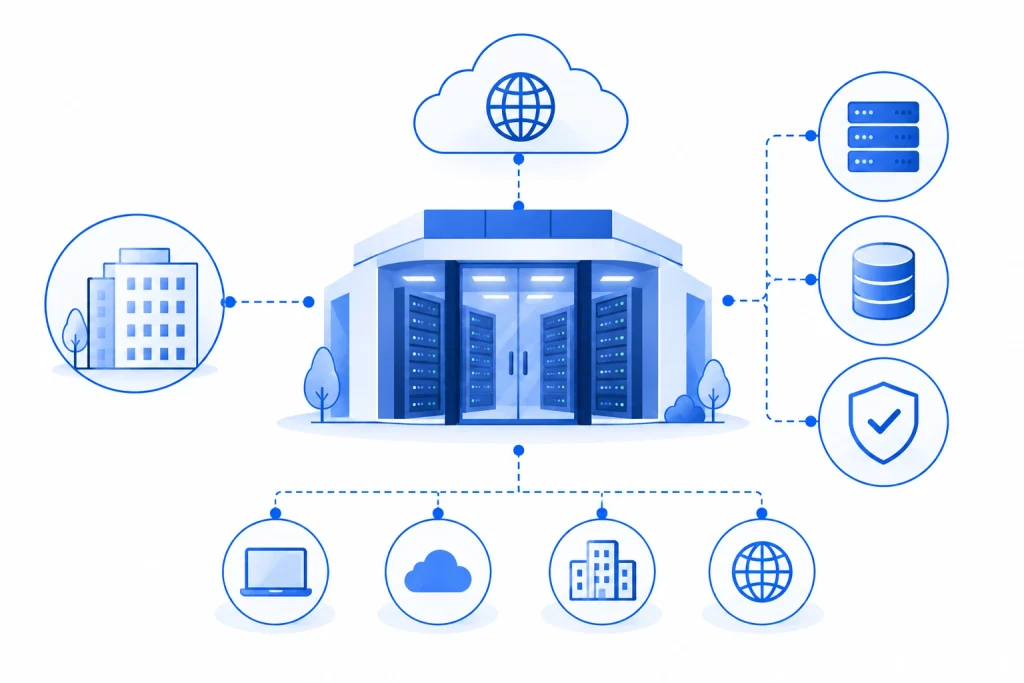
Instead of maintaining all your physical infrastructure inside your own facility, servers and other equipment can be housed within a purpose-built data center environment while remaining part of your broader IT strategy.
Gibson Teldata can help businesses evaluate data center and colocation options, determine connectivity requirements, and build an infrastructure approach that works across on-site and off-site environments.
Colocation can be worth considering if:
Your current server room has limited space, power, or cooling capacity.
Your organization is developing a stronger business continuity or disaster recovery strategy.
Your business wants to keep ownership or control of physical equipment without housing it at the office.
Expanding your internal server environment would require significant facility upgrades.
You need another location for part of your IT infrastructure.
You want infrastructure located closer to specific network, cloud, or connectivity resources.
You don’t necessarily have to move everything. Colocation can be one part of a larger infrastructure strategy.
Explore the capabilities and benefits that make this solution a reliable fit for your business.
House servers, networking equipment, and other infrastructure within data center rackspace instead of using valuable room inside your business facility.
Place equipment in an environment designed around the power and cooling requirements of business technology.
Connect hosted infrastructure to business locations, Internet services, cloud platforms, and other network resources based on your requirements.
Use data center environments designed with controlled physical access and infrastructure protection in mind.
Incorporate redundant connectivity, power, and other resources where available and appropriate for your business requirements.
Expand rackspace and infrastructure resources as technology requirements change.
Combine colocated equipment with on-premises systems, cloud resources, and business locations as part of a broader IT environment.
Servers, racks, power equipment, and cooling systems can take up valuable room. Colocation moves some of that infrastructure into a facility designed to house it.
Businesses can avoid having to build every aspect of a data center environment inside their own location.
Keeping certain infrastructure away from your primary business location can support broader continuity and recovery planning.
Colocation can provide an alternative for businesses that want to continue using dedicated hardware without keeping it on site.
Colocation allows a business to place its servers or other IT equipment within a third-party data center rather than housing all of that equipment inside its own building.
The organization can continue using its own hardware while taking advantage of the data center environment.
No. With traditional colocation, your organization generally continues to own or control the physical equipment placed in the data center.
With cloud services, computing resources are typically provided as a service without requiring you to own the underlying physical servers.
Many businesses use both.
No. Colocation can be used for specific equipment, applications, backups, or workloads while other technology remains at your business location or in the cloud.
The appropriate connection depends on your locations, applications, performance needs, and infrastructure. Options can include business Internet, private connectivity, SD-WAN, or other network services.
Gibson can help determine the right approach.
Yes. Placing infrastructure in a separate location can be one component of a broader continuity and disaster recovery strategy.
The appropriate design depends on which systems need protection, how quickly they must be restored, and how your applications and data are structured.
Yes. Gibson can evaluate your existing infrastructure, business locations, connectivity, applications, capacity requirements, and long-term plans before recommending whether colocation should be part of your IT strategy.
Network equipment affects server performance. Servers affect applications. Applications depend on storage. Data center decisions affect connectivity.
Looking at each piece separately can create an environment that technically works but is much harder to manage than it needs to be.
Gibson takes a broader approach.

Bring networking, connectivity, servers, storage, virtualization, cabling, communications, and related technology under a more coordinated strategy.
We start by understanding your current equipment, applications, users, locations, performance requirements, and plans before recommending what comes next.
Gibson works across a broad technology ecosystem, giving us the flexibility to recommend solutions based on your requirements rather than forcing every business into the same setup.
Our team can assist with assessment, design, configuration, installation, migration, troubleshooting, and ongoing support as your infrastructure evolves.
Build the physical cabling infrastructure needed to support data networks, phones, wireless access points, cameras, and other connected technology throughout your facility.

Support cloud applications, offices, data centers, remote users, and business-critical systems with connectivity designed around your performance and continuity requirements.

Strengthen security across users, networks, devices, applications, and data with solutions designed to complement your broader IT infrastructure.