
Powerful Features. Better Conversations.
Enhance your business phone system with features designed to improve communication, collaboration, and productivity.
Capture Every Conversation. Drive Better Outcomes.
Capture, review, and securely store business conversations to improve customer service, employee training, quality assurance, and compliance.
What Is Call Recording?
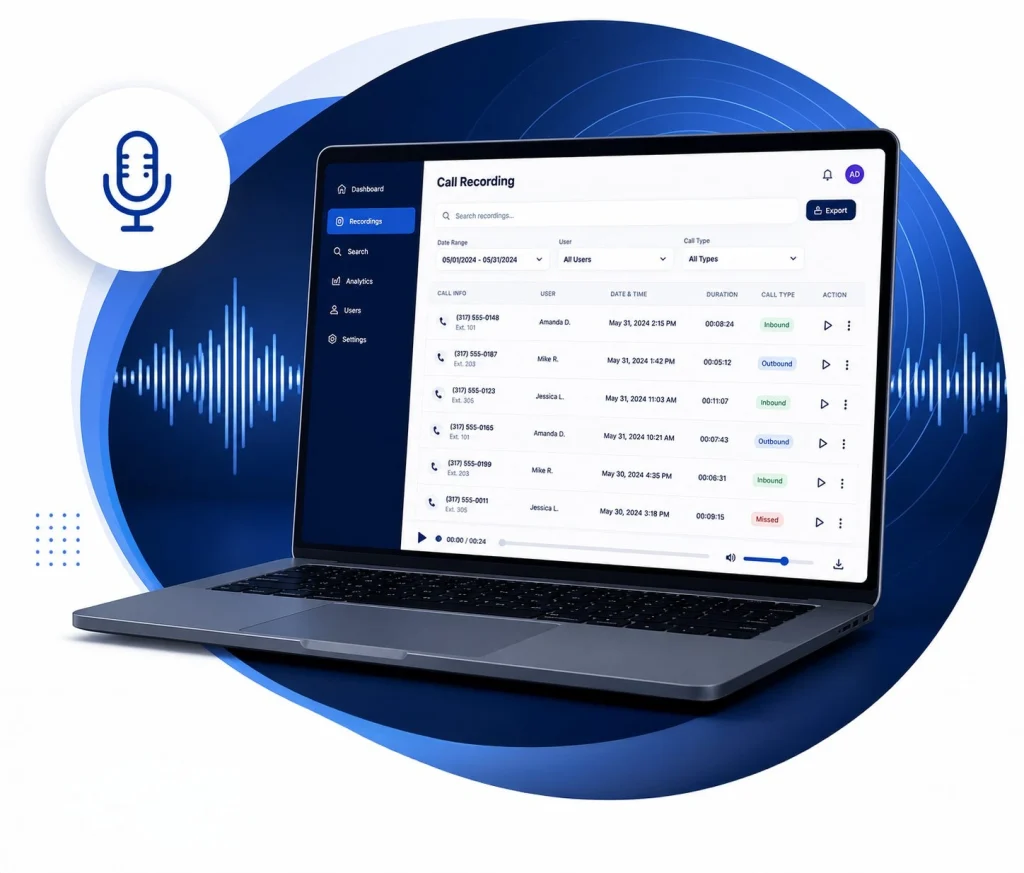
Call recording captures inbound and outbound business phone conversations so they can be securely stored and reviewed when needed. Organizations use call recording for a variety of reasons, from improving employee training and customer service to documenting important conversations and supporting compliance requirements.
Today’s cloud-based solutions make recordings easy to search, organize, and access, giving managers and employees valuable insight into customer interactions without adding unnecessary complexity.
Is Call Recording Right For Your Business?
Call recording can benefit organizations of all sizes, especially those that:
Handle a high volume of customer calls
Train new employees on a regular basis
Need to document customer interactions
Operate in regulated industries
Want greater visibility into customer service performance
Are focused on continuous improvement
Every business has different goals, which is why recording policies, storage requirements, and user permissions should be tailored to how your organization communicates.
Key Call Recording Features
Modern call recording solutions offer much more than simply saving conversations. Depending on your business needs, features may include:
Secure Cloud Storage
Store recordings safely in the cloud without maintaining on-site hardware.
Powerful Search Tools
Locate recordings by employee, phone number, date, or other search criteria.
ROLE-BASED PERMISSIONS
Control who can access, review, and manage recordings
Flexible Retention Policies
Customize how long recordings are stored based on operational or compliance requirements.
Call Playback & Sharing
Review recordings with managers or team members for coaching, quality assurance, or dispute resolution.
Why Businesses Use Call Recording
Improve Employee Training
Use real customer conversations to coach employees, reinforce best practices, and create more consistent customer experiences.
Enhance Customer Service
Quickly review past conversations to resolve questions, clarify misunderstandings, and identify opportunities to improve service.
Quality Assurance
Monitor call quality across departments to maintain service standards and uncover trends that can improve operations.
Support Compliance & Documentation
Securely retain important conversations to help support industry regulations, internal policies, or legal documentation requirements.
Frequently Asked Questions
Is every phone call automatically recorded?
Recording options can typically be customized to capture all calls, specific users, departments, or call types based on your organization’s needs.
How long are recordings stored?
Retention periods vary depending on your organization’s policies and storage requirements. Many systems allow recordings to be securely stored for months or even years.
Can I search for a specific call?
Yes. Most modern call recording platforms allow you to search recordings by date, employee, phone number, or other criteria to quickly locate important conversations.
Are recordings secure?
Yes. Cloud-based call recording solutions typically include secure storage, user permissions, and encryption to help protect sensitive information.
Conversations That Move Business Forward.
Communicate with customers using your existing business phone number through secure, professional two-way messaging.
What Is Business Texting?
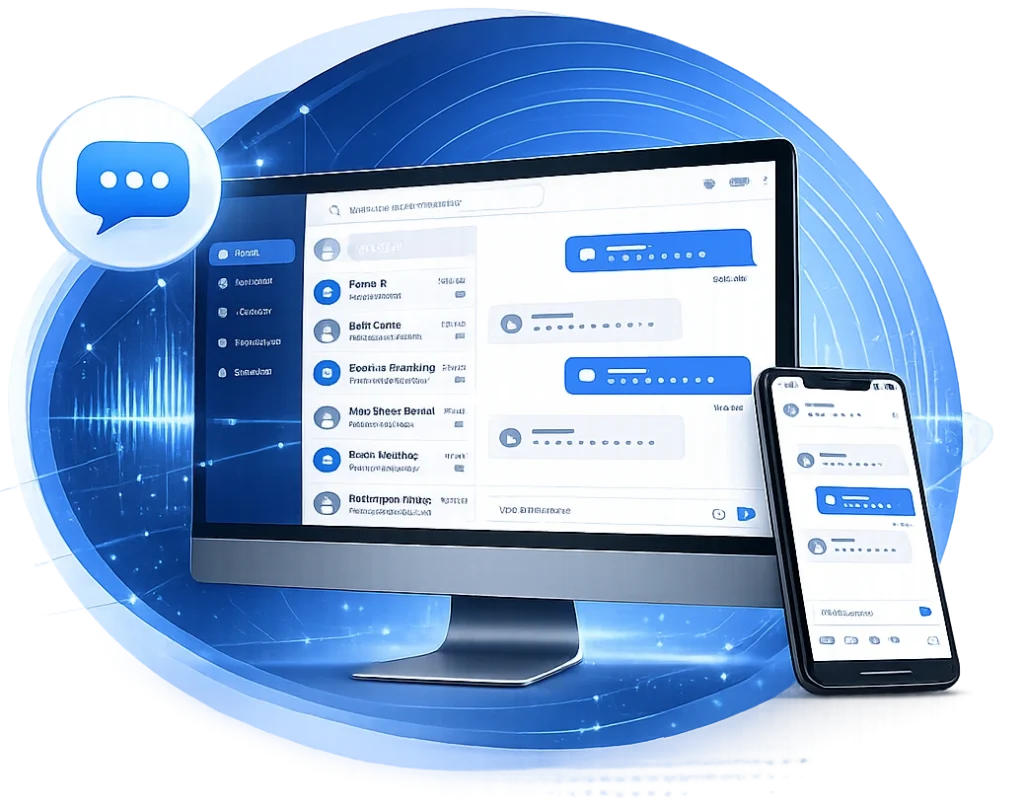
Business texting allows organizations to send and receive text messages using their existing business phone number instead of relying on personal mobile devices. It provides a convenient way to communicate with customers, employees, and partners while keeping conversations organized and professional.
From appointment reminders and service updates to quick customer questions, business texting helps teams respond faster and communicate in the way many customers prefer.
Is Business Texting Right for Your Business?
Business texting is a valuable communication tool for organizations that:
Schedule appointments or service visits
Answer customer questions throughout the day
Provide delivery or project updates
Support customers after a sale
Want to reduce missed calls and voicemail tag
Need employees to communicate while working remotely or in the field
Every organization communicates differently. Business texting works best when it’s integrated into the way your team serves customers, manages conversations, and stays connected.
Key Business Texting Features
Modern business texting solutions offer much more than sending and receiving messages. Depending on your organization’s needs, features may include:
Two-Way Messaging
Communicate with customers, employees, and partners using your existing business phone number.
Shared Team Inbox
Allow multiple employees to manage conversations while maintaining visibility across your team.
Desktop & Mobile Access
Send and receive messages whether you're in the office, working remotely, or on the go.
Message History & Search
Quickly find previous conversations, customer information, and important communication history.
Automated Messages & Notifications
Schedule appointment reminders, confirmations, and other routine messages to improve responsiveness and save time.
Why Businesses Use Business Texting
Respond Faster
Answer customer questions quickly without the back-and-forth of phone calls or email.
Improve Customer Communication
Share updates, reminders, and confirmations through a channel customers already use every day.
Increase Team Productivity
Manage conversations from a shared business number so teams stay organized and responsive.
Deliver Better Customer Experiences
Keep customers informed with timely communication that builds trust and strengthens relationships.
Frequently Asked Questions
Can I text from my existing business phone number?
Yes, in many cases. Modern business texting solutions allow organizations to send and receive text messages using their existing business phone number, providing a seamless experience for both employees and customers.
Can multiple employees respond to the same messages?
Yes. Many business texting platforms offer shared inboxes, allowing multiple team members to manage customer conversations while maintaining visibility and continuity across your organization.
Can I send more than just text messages?
Many business texting solutions support multimedia messaging (MMS), allowing you to send images, documents, appointment details, and other files when appropriate.
Is business texting secure?
Business texting platforms include features such as user permissions, conversation history, and administrative controls to help organizations manage customer communications securely and professionally.
Move Beyond Fax Machines. Work Smarter.
Modernize your fax communications with secure, cloud-based faxing that eliminates traditional fax machines while supporting the way your business works.
What Is Business Fax?
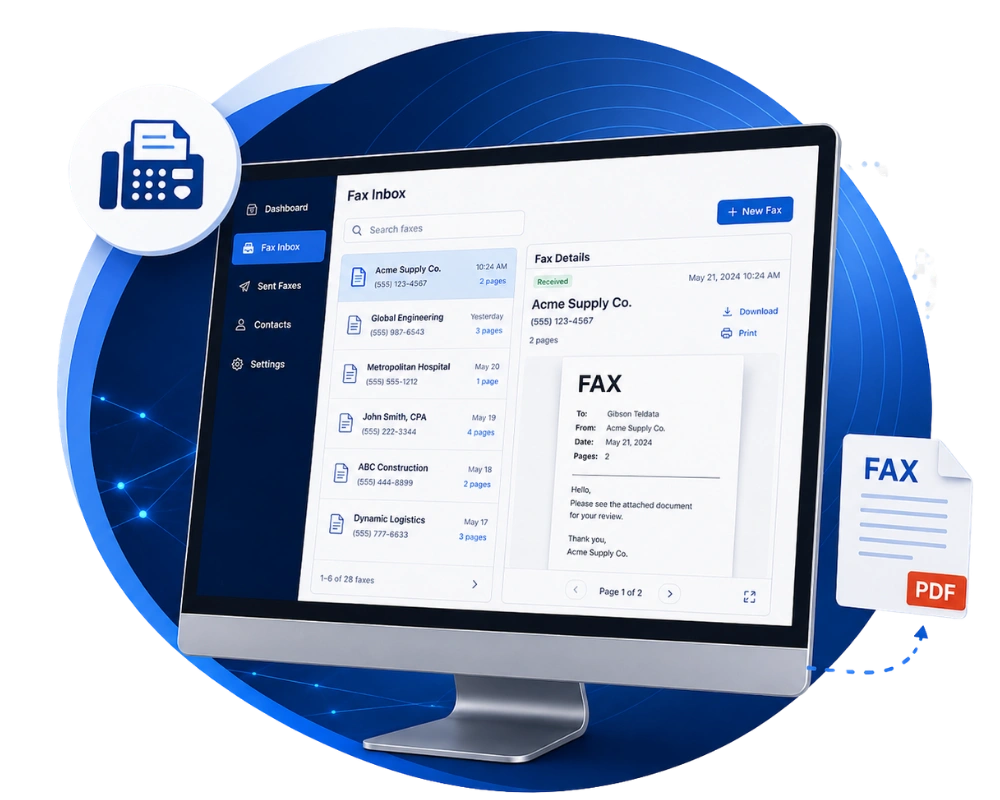
Business fax has evolved far beyond traditional fax machines and dedicated phone lines. Today’s cloud fax solutions allow employees to securely send and receive faxes using email, desktop applications, or mobile devices while maintaining the reliability and security many organizations require.
For businesses in regulated industries or organizations that continue to exchange signed documents, medical records, purchase orders, or legal paperwork, business fax remains an important part of everyday communication.
Is Business Fax Right for Your Business?
Business fax continues to be an important solution for organizations that:
Exchange signed contracts or legal documents
Send medical or patient records
Work with government agencies
Process purchase orders or invoices
Need secure document transmission
Are replacing aging fax machines or analog phone lines
Every organization has unique document workflows. The right business fax solution should support the way your team securely sends, receives, and manages important documents.
Key Business Fax Features
Cloud-based business fax solutions offer more flexibility than traditional fax machines. Depending on your organization’s needs, features may include:
Cloud Faxing
Send and receive faxes securely without dedicated fax machines or analog phone lines.
Email & Desktop Access
Manage fax communications directly from your email or computer for greater convenience.
Secure Document Delivery
Help protect sensitive business information with secure transmission and user access controls.
Digital Document Archive
Store, organize, and retrieve faxed documents without filing cabinets or paper records.
Multi-User Access
Allow authorized employees to send, receive, and manage business faxes from a shared platform.
Why Businesses Use Business Fax
Improve Accessibility
Send and receive faxes from virtually anywhere without relying on physical fax machines or office locations.
Increase Efficiency
Eliminate paper, toner, maintenance, and dedicated phone lines while simplifying document management.
Support Secure Document Exchange
Cloud fax solutions help businesses securely transmit important documents while maintaining audit trails and delivery confirmations.
Modernize Existing Workflows
Integrate fax capabilities into the tools employees already use, helping reduce manual processes and improve productivity.
Frequently Asked Questions
Can I keep my existing fax number?
In many cases, yes. Most cloud fax solutions allow businesses to keep their existing fax number, helping maintain continuity for customers, vendors, and partners.
Do I need a fax machine or dedicated phone line?
No. Cloud fax solutions eliminate the need for traditional fax machines and analog phone lines, allowing employees to send and receive faxes from their computer, email, or supported mobile devices.
Is cloud fax secure?
Yes. Modern business fax solutions use secure transmission methods and administrative controls to help protect sensitive business information while supporting industry and organizational requirements.
Can multiple employees access the same fax inbox?
Absolutely. Shared fax inboxes allow authorized team members to send, receive, and manage documents from a centralized platform, making collaboration easier while keeping documents organized.
Why Choose Gibson?
For over 40 years, Gibson has helped businesses design, implement, and support technology solutions that keep them connected.

Consultative Approach
Responsive service from a local team that knows your business and your community.
Local Provider, Local Support
Technology recommendations based on your business, not a one-size-fits-all solution.
Complete Solutions
Communications, IT, networking, security, and life safety, all from one trusted partner.
BUILT FOR THE LONG TERM
From planning and installation to ongoing support, we're here every step of the way.
Explore more solutions
Cumulus Enterprise
Business communication features are even more powerful when they’re integrated into a modern cloud phone system designed for today’s workforce.

Managed IT Services
From day-to-day IT support to long-term technology planning, Gibson helps businesses keep their entire technology environment running smoothly.

Physical Security
Protect your people and property with integrated video surveillance, access control, and security solutions designed around your facility.
Ready to switch to an All-in-one provider?
Indianapolis
Terre Haute
Champaign
- WEBSITE BUILT BY GREENSTAR MARKETING